
It's Blogging Time! [Assignment #1]
Get Excited! It's Time to Tell Your Story... Real Life teams post their personal blogs on one team web site (check out the Ke...
-
My Story/Testimony - Due Thursday 4/14
-
My Most Powerful & Vivid God Encounter - Due Thursday 4/21
-
My Greatest Failure, My Greatest Redemption - Due Thursday 4/28
- 500-750 words
- 1-3 pictures
- An interesting title
- Good grammar, punctuation & fluency
How to Post Your Blog...
- Click "Editor Log In" on the upper left side of the page
- Enter your Email Address and Password (sent to you in the email that announced the launching of this web site)
- Add all pictures before starting your first post (click the yellow box that says "Add/Edit Photos" on the top right side of the page
- Click the green box that says "New Post" on the top of the page
- Add your title and begin to type your post
- To insert a hyperlink, click on the icon that looks like an infinity sign
- To insert a picture, click on the icon that looks like a mountain (you'll have to play with it get it to look how you want it to)
- When you're done, change the "Category" at the bottom of the page to Blogging
- If you need to save your blog before you've completed it, click Development/Private as the "Status".
- When you've completed it and you're ready to post, change the "Status" to Public/Live, click "Send Update Alerts" and finally click "Save".
- You're done!
Related Blogs

Heeding the Call
There I was, laying in the pull-out bed of an RV, in the backyard of my cousin's...
Sing my Love!
Dance with me, oh Lover of my soul, to the song of all songs. God enthralls me...
Beautiful Child of God
My greatest failure is one that I am ashamed of and it makes me cringe. I w...
Related Races (2)
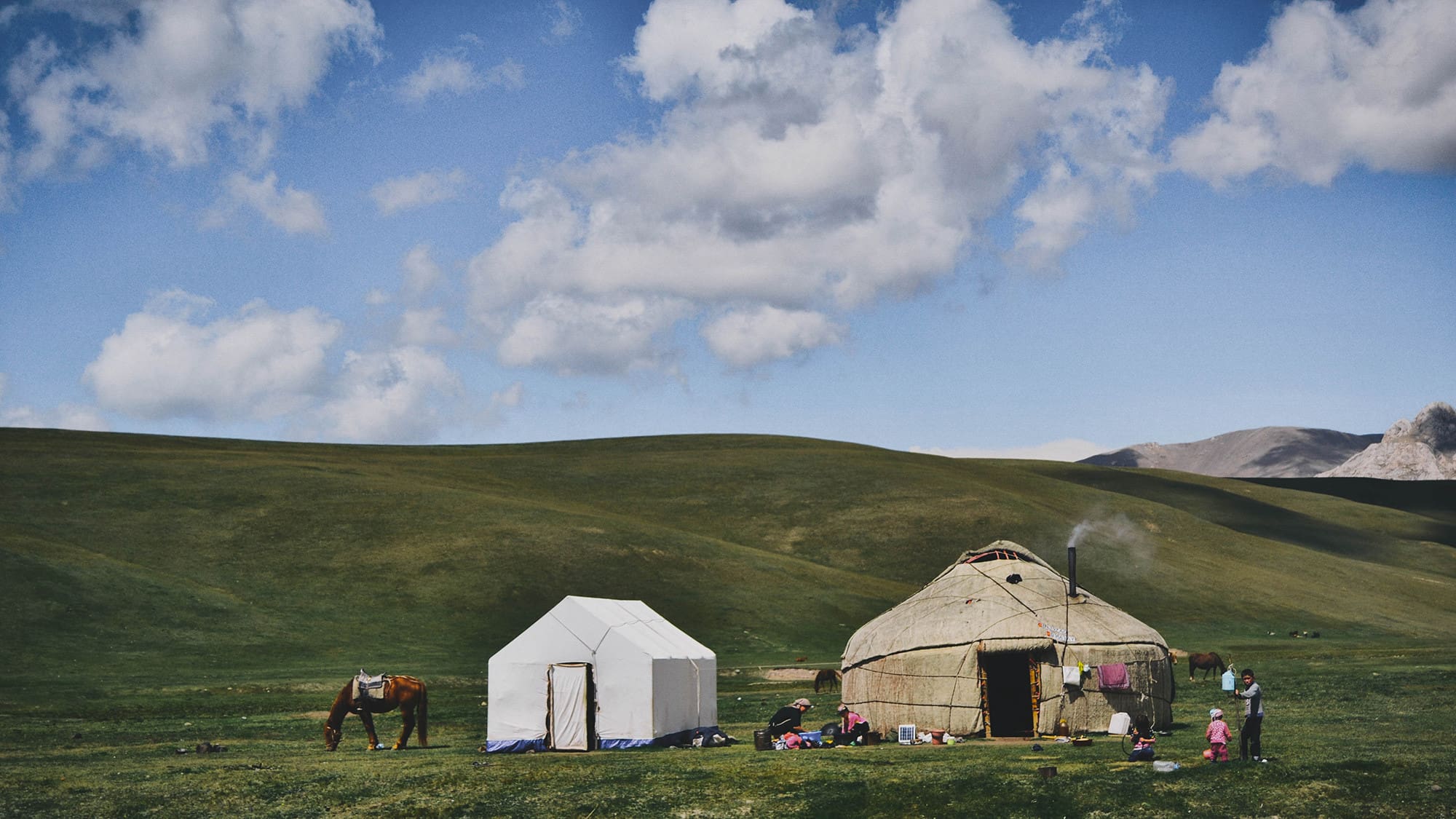
Kyrgyzstan | Alumni | January 2027